
Better Timeline
Project information
- Positive Bewertungen: 0
- Aktive Nutzer:
- Downloads:
- Letzte Version: v0.38
- Letztes Update:
- Link: Curseforge.com
- Kategorien:
Boss‑Begegnung
Beschreibung und Änderungsprotokoll sind direkt vom Projekt importiert und daher nur in Englisch verfügbar.
Änderungsprotokoll der letzten Version:
Full Changelog Previous ReleasesAbilityTimeline
v0.38 (2026-10-28)
Co-authored-by: Jodsderechte 39654549+Jodsderechte@users.noreply.github.com
Beschreibung:
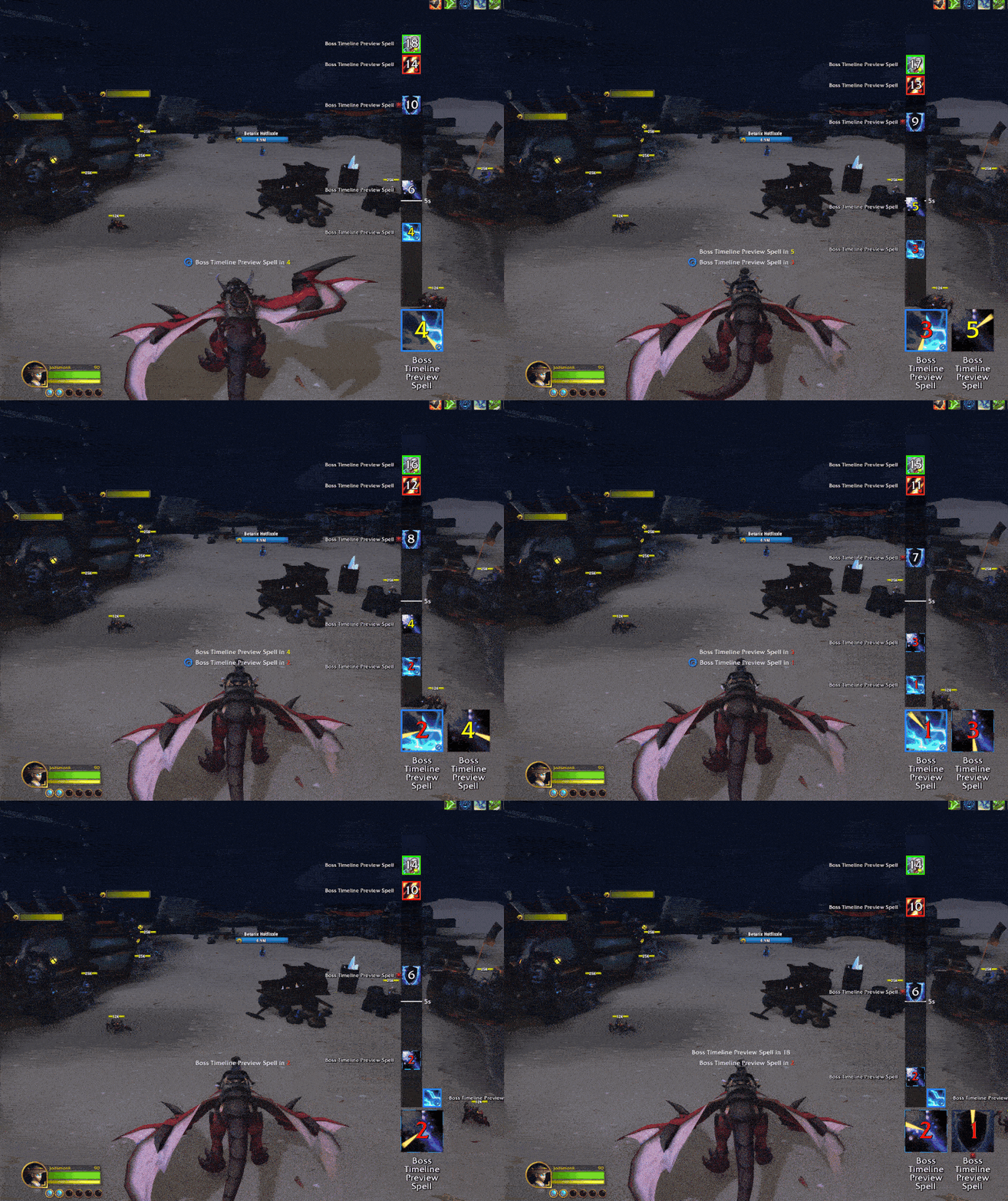
Offers Various improvements to blizzards default Ability timeline keeping it as close in style to my RaidAbilityTimeline WeakAura as possible.
Some features:
- Timeline with the previous visual style.
- (optional) Full DBM and BW support - turn their timers into a timeline.
- (optional) Visual tick every 5 seconds with a highlight.
- (optional) BigIcon and or text appears during the last 5 seconds of a bar.
- (optional) Auditory 5→1 countdown for timers.
- Positioning via edit mode.
- Extensive settings for icons, BigIcon, timeline, and text.
- Changeable travel direction.
- (optional) Pull timer and readycheck added to the timeline. (includes a Smart /pull feature: automatically picks duration depending on dungeon vs. raid)
- (optional) Support for timeline icons (e.g., dispel type shown as icon borders).
- Customizable highlights for specific remaining durations (change text color, add glow).
- (optional) Vertical timeline (has no text).
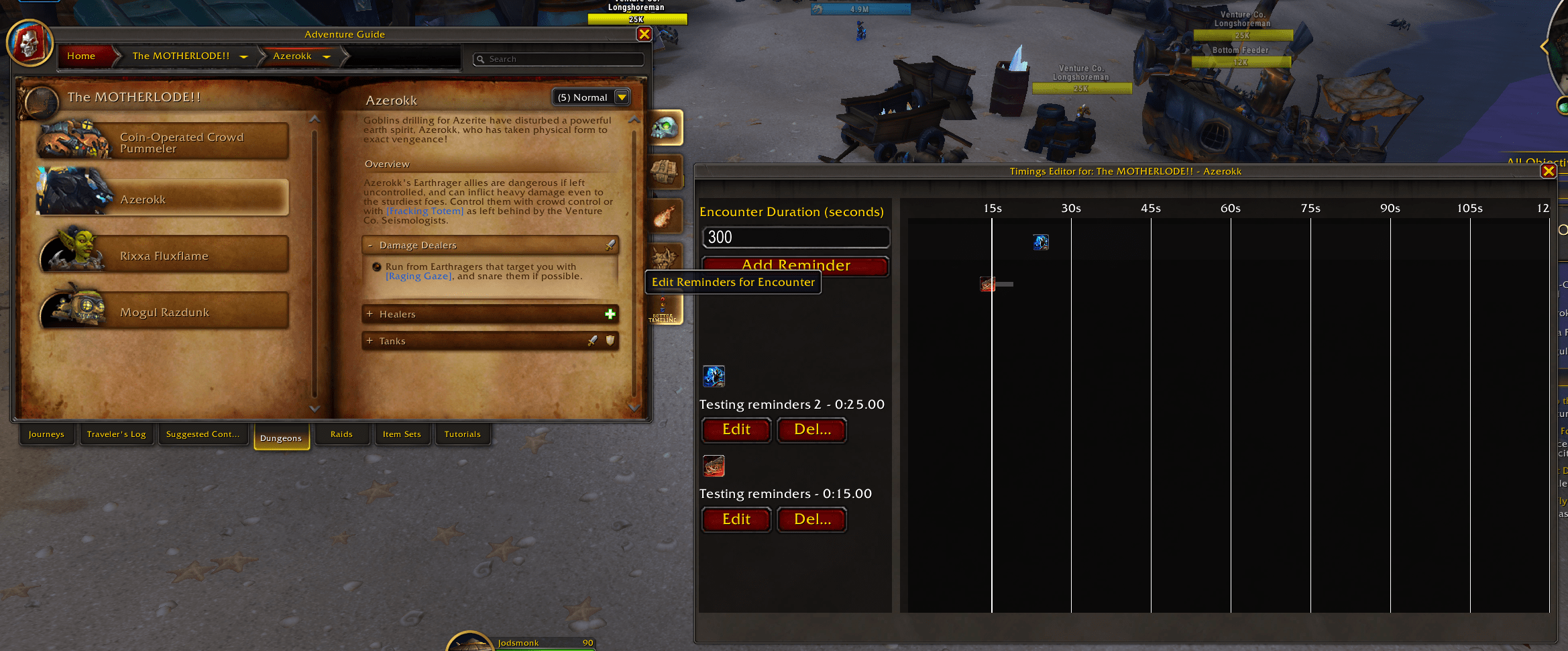
- (optional) Integrated reminders that can be created directly from the Encounter Journal or imported directly from external tools like mrt or Viserio.
And much more.
To get started simply log into the game. You can see a preview in the edit mode or by running /at test in the chat